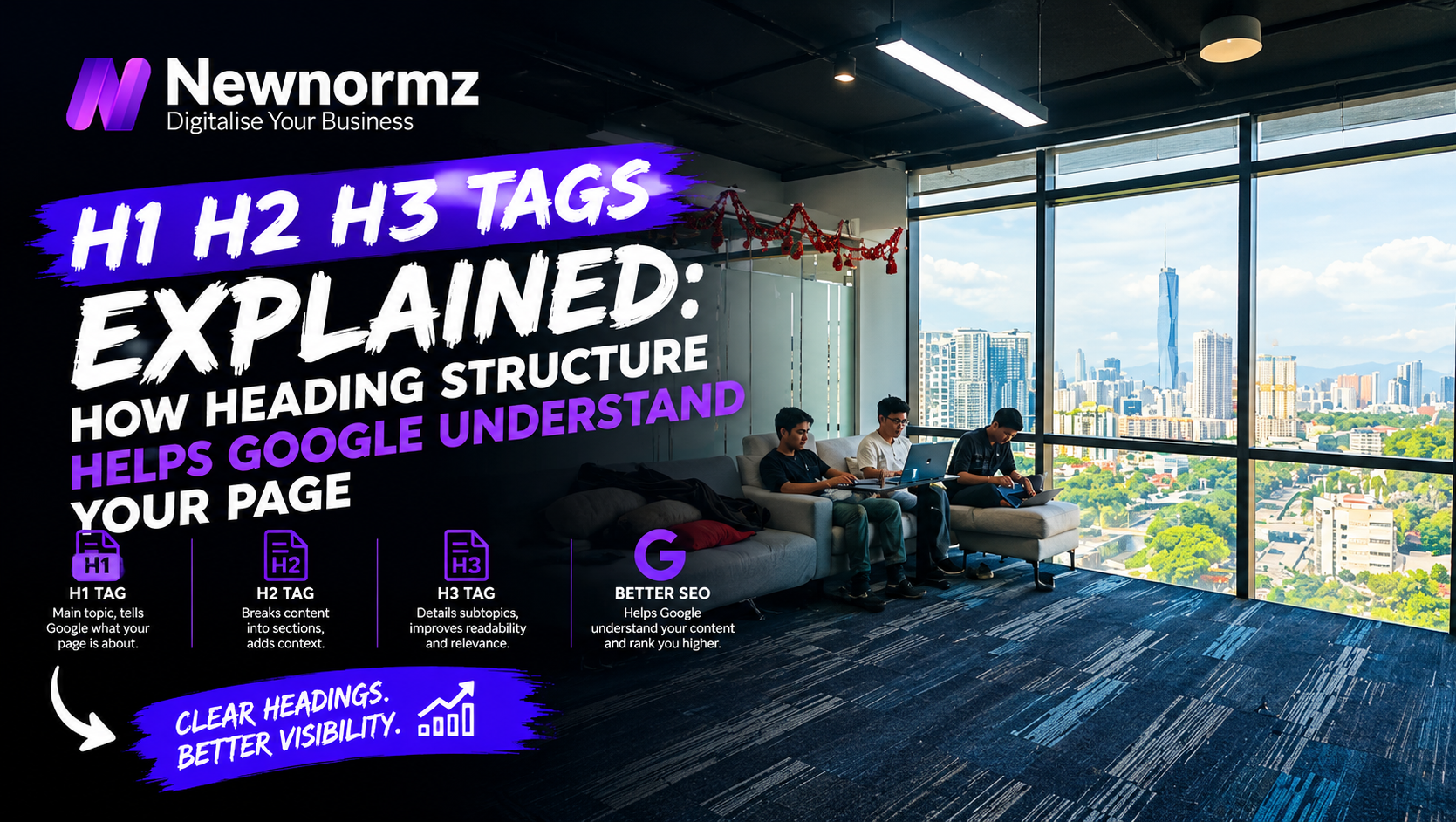
Key takeaways
- ✓The real heading tags SEO Malaysia priority is what your headings say. That matters far more than the “exactly one H1, never skip a level” rule that audit tools enforce.
- ✓Google’s own SEO Starter Guide says heading order makes little difference to Google Search, so “multiple H1s” and “skipped levels” warnings are usually low priority.
- ✓Generic headings like “Our Services” and “Why Choose Us” cost the most, because they tell Google and AI engines nothing about the page.
- ✓Most heading problems live in the theme, so one template fix can correct hundreds of pages at once.
A KL clinic owner runs a site audit and sees a red warning: “Multiple H1 tags found on homepage.” They panic and message their web developer. But the real problem is something the tool rated as fine. The one H1 that matters says “Welcome to Our Website”, so neither Google nor a patient can tell from it that this is a physiotherapy clinic in Bangsar. Headings help SEO because they tell Google what each section of a page is about. Meaning beats rule-following, every time.
Below are the seven heading mistakes we find most often in Malaysian site audits, each with a fix you can make yourself in an afternoon. Mistake 3 costs the most, so if you only have time for one, start there.
What Heading Tags Actually Tell Google (and the Rules It Doesn’t Care About)
Headings are labels. They tell search engines, screen readers and skimming visitors how a page is organised and what each part covers. That makes them part of the basics of on-page SEO Malaysia businesses rely on, but they are not a strong ranking lever by themselves. So what is the real headings Google ranking effect? Small and indirect: they help Google understand the page, and understanding supports relevance.
Google is clear about this. Its SEO Starter Guide says having headings in semantic order is great for screen readers, but from a Google Search point of view it doesn’t matter if you use them out of order. The multiple H1 tags SEO warning that audit tools love is the best example of a rule Google treats far more loosely than the tools do. Where headings do matter: Google’s title links documentation lists heading elements among the sources Google may use to write the title it shows in search results. So your H1 can end up as your search title.
| Tag | What it signals | Typical count per page |
|---|---|---|
| H1 | The main topic of the whole page | 1 (more is allowed, but rarely needed) |
| H2 | The major sections or sub-topics | 3 to 10, depending on depth |
| H3 | Points inside an H2 section | 0 to 4 per H2 |
| H4 to H6 | Fine detail inside long, technical pages | Usually 0 on service and blog pages |
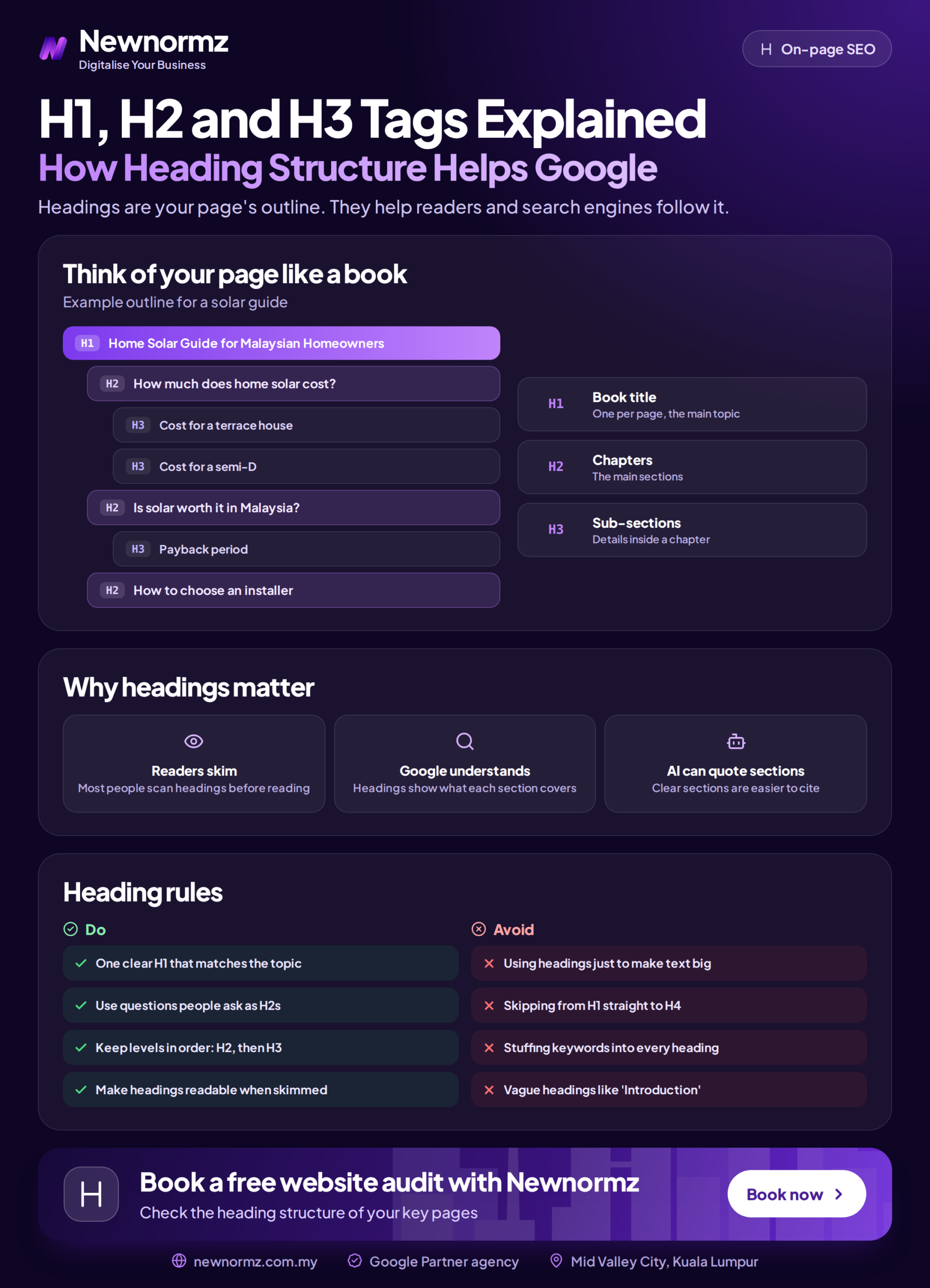
Good heading hierarchy SEO practice is still worth having for accessibility and for readers. Just don’t spend a week fixing level order while your headings say nothing useful.
Mistake 1: No Real H1, or an H1 That Says “Home” or Holds Your Logo
This is the most common h1 tag SEO problem on Malaysian WordPress sites. Many themes wrap the logo, the site name or the first slider caption in the H1. Some Shopify themes do the same on the homepage.
✗ The H1 is your logo, “Home” or a slider slogan
An H1 reading “Your Trusted Partner” or holding an image of your logo gives Google no topic for the page. If Google pulls that text to build your search title, you lose the click too.
✓ The fix
Give every template one descriptive H1 that names the page’s topic, such as “Physiotherapy Clinic in Bangsar for Sports and Back Injuries”. In your heading tags WordPress settings (theme options or the header template), change the logo wrapper from H1 to a div. Check category, product and blog templates separately, because each one can have its own H1 rule.
The H1 is one of several on-page factors most sites overlook, mostly because nobody looks at the code behind the design.
Mistake 2: Choosing H2 or H4 Because the Font Size Looks Right
Designers pick heading levels by how big the text looks. That breaks your h2 h3 SEO structure without anyone noticing.
✗ Footer and sidebar labels are tagged as headings
Elementor’s heading widget defaults to H2. So “Quick Links”, “Follow Us” and “Contact Info” in the footer become H2s on every page of the site. On a 300-page site that is 900 identical headings competing with your real content for attention.
✓ The fix
In Elementor, open each footer and sidebar heading widget and set the HTML tag to “p” or “div”. Control the size with a CSS class or the widget’s typography settings. Save the global footer template once and every page is fixed.
Mistake 3: Headings That Could Sit on Any Website
This one costs the most. A heading like “Our Services” tells Google nothing about who you serve, where you are or what you do. Header tags SEO best practices come down to one decision rule: if the heading would still make sense on a competitor’s site, rewrite it.
| Vague heading | Specific rewrite | What Google now understands |
|---|---|---|
| Our Services | Aircond Servicing in Petaling Jaya: Chemical Wash and Gas Top-Up | Service, location and the specific jobs offered |
| Pricing | How Much Roof Waterproofing Costs per Square Foot | A pricing answer for a specific service |
| About Us | A Family Dental Clinic in Subang Jaya Since Our First Patient | Business type, location and who it serves |
If you’re planning a bigger content hub, the same thinking applies when structuring a pillar page: each H2 should map to one sub-topic someone actually searches for.
The “Why Choose Us” problem on Malaysian service pages
Almost every Malaysian service page has a “Why Choose Us” H2 followed by four icons saying “Experienced”, “Affordable”, “Professional” and “Fast”. Your competitors have the same section. Replace the heading with your actual point of difference or proof: “Same-Day Leak Repairs Across the Klang Valley” or “Every Quote Itemised Before Work Starts”. If you can’t think of one, that’s a business problem worth solving before an SEO one.
Mistake 4: An H1 That Fights Your Title Tag
H1 vs title tag confusion shows up in nearly every audit. They do different jobs, but they need to agree on the topic.
✗ The title and H1 describe different things
The title tag says “Kitchen Cabinet Design Kuala Lumpur” while the H1 says “Transform Your Home Today”. Google gets mixed signals, and because it may rewrite title links using the H1, your carefully written title can be replaced. Visitors who clicked for kitchen cabinets also land on a page that doesn’t confirm they’re in the right place.
✓ The fix
Keep the same topic and let the wording differ. The title tag earns the click in search results (“Kitchen Cabinet Design KL: Prices and 3D Plans”). The H1 confirms the visitor’s search (“Custom Kitchen Cabinets for KL Condos and Landed Homes”).
Mistake 5: Keyword-Stuffing Every Heading
✗ The same phrase forced into every H2
“SEO Malaysia Services”, “Why SEO Malaysia Matters”, “SEO Malaysia Pricing”, and so on for six H2s. It reads badly, it looks manipulative, and it wastes headings that could cover related searches.
✓ The fix
Put the primary keyword in the H1 and one H2. Use the other headings for variations and sub-questions people actually ask: costs, timelines, comparisons, common problems.
The best practice for heading tags SEO in Malaysia is to match the topic, not repeat the phrase. Online stores are the worst offenders, with every product heading stuffed with the category name. Our guide to product listings that rank shows how to word them instead.
Mistake 6: Bilingual Pages With Headings in One Language and Body Copy in Another
Many Malaysian sites run EN, BM and Chinese versions. A common pattern: the body copy is translated, but the headings stay in English because they sit in the theme or page builder. Or the BM headings come straight from machine translation.
The result is a page whose topic is unclear in either language. A BM page with English H2s sends mixed signals about who it’s for. A machine-translated “Perkhidmatan Penghawa Dingin” heading also misses how people actually search, which is usually “servis aircond”. Chinese-speaking Malaysians often search “冷气清洗” rather than a formal translation.
Malaysia note
Write headings natively for each language version, based on the words people actually type in Bahasa Malaysia and Chinese, not on a direct translation of the English. Our strategists work in English, Bahasa Malaysia and Chinese for exactly this reason: Malaysian search language is mixed, informal and full of borrowed English words.
If you run separate language versions or target other countries, the heading work is one part of a wider multilingual SEO setup.
Mistake 7: Question Headings With the Answer Buried Three Paragraphs Down
Question headings followed by a direct answer are the format Google most easily pulls into featured snippets and AI Overviews. That makes headings for featured snippets and question headings AI Overviews can quote mostly the same job.
✗ The H2 asks a question and the answer comes much later
“How long does SEO take?” followed by three paragraphs of background before any timeframe. Google and AI engines look for a clear answer right under the heading. If they can’t find one, they quote someone else.
✓ The fix
Answer in the first sentence under the heading, in 40 to 60 words. Add context, examples and caveats after that.
Be realistic about what this does. Industry studies put roughly 76% of Google AI Overview citations on pages already in the traditional top 10. Good structure helps you get extracted once you rank. It doesn’t replace ranking. Getting cited across ChatGPT, Gemini and Perplexity takes wider AI search optimisation work.
From our audits
The pattern we see most is mistakes 2 and 3 together: headings picked for how they look, then worded generically. The good news is that most of it lives in the theme. Fixing heading rules at template level once can correct hundreds of pages. That’s why heading structure sits in the Architecture stage of our RANKED Framework, the technical SEO stage we built from 200+ Malaysian campaigns, rather than being left to page-by-page copy edits.
Client example
Sunway TCM Centre: 80% of target keywords on page 1 within 4 months
Problem: The site needed a technical rebuild before its content could compete for treatment searches.
What we did: A technical rebuild, crawl and indexing fixes, and AEO structuring of the content. Page structure, headings included, was one part of that structuring work, not the whole story.
Result: +150% keywords, 80% of target keywords on page 1 within 4 months, and appearances in Google AI Overview results for treatment searches.
A 10-Minute Heading Tags SEO Malaysia Self-Check for Any Page
You don’t need Screaming Frog, Ahrefs or Semrush for this. Open your most important page and run through the list.
Heading self-check (free tools only)
- ✓View the heading outline with a free browser extension such as HeadingsMap, or right-click, choose Inspect and search the code for “<h”.
- ✓Confirm there is one H1, and that it names the page’s topic rather than your logo or “Home”.
- ✓Check that footer and sidebar labels are not tagged as headings.
- ✓Read each H2 on its own. Would a stranger know what that section covers?
- ✓Under every question heading, make sure the answer is in the first sentence.
- ✓On BM or Chinese versions, confirm the heading language matches the body copy.
- ✓On your phone, check the H1 is visible above the fold and not hidden behind a banner or slider.
For a single landing page, this is an afternoon’s work. If your site has hundreds of templated pages, theme-level heading rules and several language versions, that’s where hiring SEO services in Malaysia starts to make sense, because one wrong template change can spread across the whole site.
Heading Tag Questions Malaysian Site Owners Ask Us
Does having multiple H1 tags hurt SEO?
Rarely. Google has said publicly that multiple H1s are not a problem for Search, and its SEO Starter Guide treats heading order as low priority. One clear H1 is still the tidiest setup, but a descriptive H1 matters far more than how many you have.
How many H1 tags per page should I use?
Use one H1 per page as your default. Google won’t penalise a second H1, but a single H1 that names the page’s topic is the clearest signal for Google, screen readers and visitors. If your theme adds extra H1s around the logo or slider, fix that at template level.
Should my H1 be the same as my title tag?
It should cover the same topic, but the wording can differ. The title tag is written to earn the click in search results, and the H1 confirms to the visitor that they’ve landed in the right place. Keep them close, because Google may use your H1 to rewrite the title it shows.
Do H2 and H3 tags help Google rankings directly?
Only a little. Headings help Google understand a page’s sections, which supports relevance, but they won’t lift a weak page on their own. Google has also said that no one can guarantee a specific ranking position, so treat headings as clarity work, not a ranking trick.
Does it matter if I skip from H2 to H4?
Not for Google Search. Google’s SEO Starter Guide says heading order makes little difference to Search. It does matter for screen readers and web accessibility, so fix skipped levels when you’re already editing the page.
How do I check a page’s heading structure without a paid tool?
Use a free browser extension such as HeadingsMap, or right-click the page, choose Inspect and search the code for heading tags. To see what Google actually renders, use the URL Inspection tool in Google Search Console.
Want us to find the heading problems your audit tool missed?
Newnormz runs SEO for 200+ Malaysian businesses on month-to-month terms, with a written page 1 guarantee and a 5.0 rating from 214+ Google reviews.
Free, no obligation. Includes a heading review of your key pages.

Bryan Tan is an SEO Specialist and CEO at Newnormz, helping hundreds of businesses achieve first-page rankings on Google. With a passion for driving organic growth, Bryan blends innovative strategies with hands-on experience to optimize websites for maximum visibility. Always at the forefront of the latest SEO insights and trends, he consistently adapts to the evolving digital landscape.