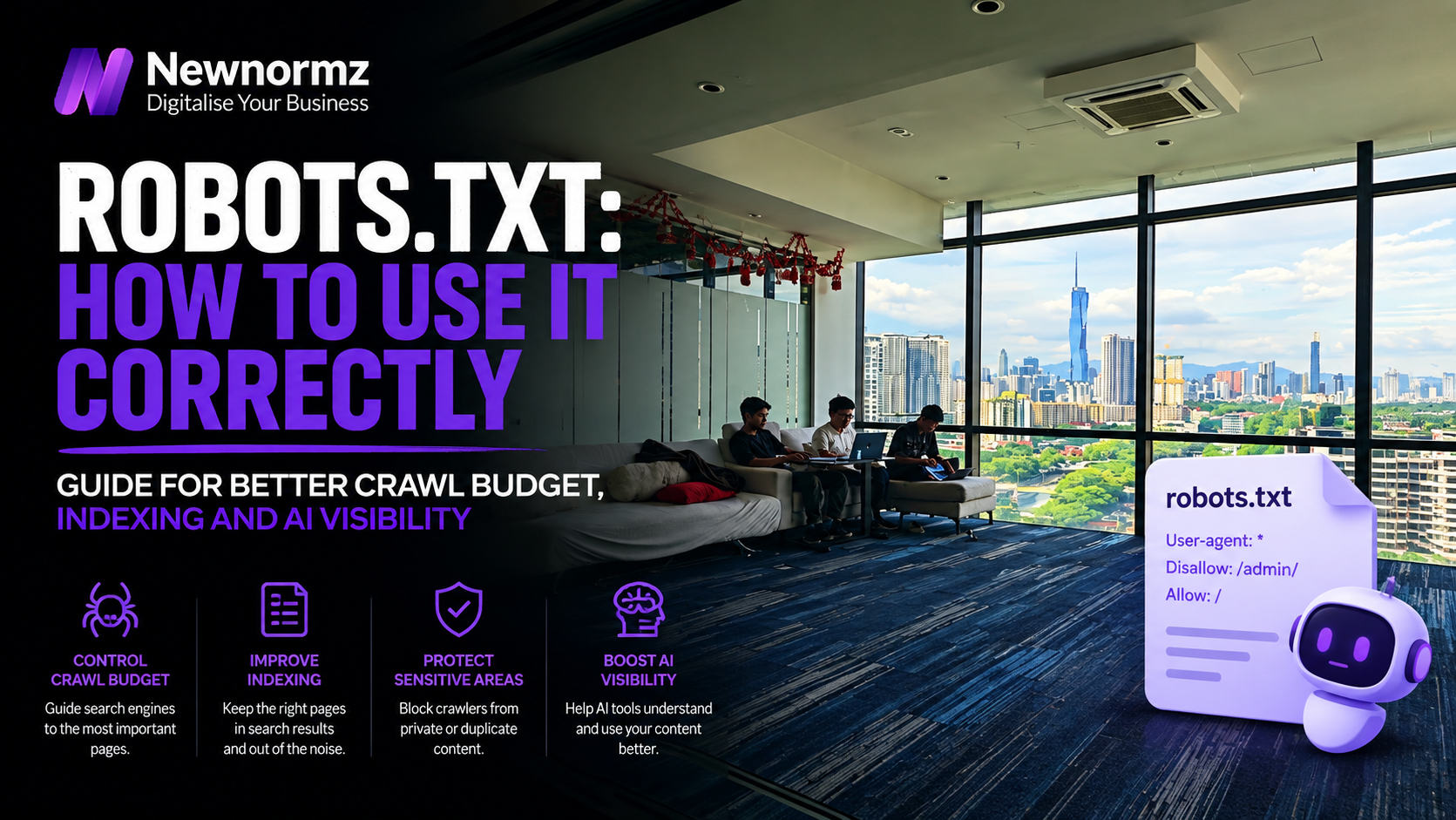
Robots.txt is a plain text file at the root of your domain that tells search engine crawlers which URLs they’re allowed to request. It controls crawling, not indexing, and that distinction is where most site owners get into trouble. A single line like Disallow: / tells every crawler to ignore your entire website, and a blocked page can still turn up in Google’s results if another site links to it. Get the syntax right, understand what Disallow can and can’t do, and you’ll avoid the mistake that has quietly wiped out organic traffic on more than a few otherwise healthy sites.
A Simple Way to Think About It
The Door Sign vs. The Phone Book Listing
🚪 A sign on the door
Putting a “staff only” sign on a door stops your own people from walking through it. But if someone already printed your address on a flyer, visitors still show up outside. They just can’t see what’s behind the door.
📕 Removing the listing
Asking the phone company to delete your listing means people can’t find the address at all, no matter how many flyers are floating around.
Robots.txt is the sign on the door. Keeping something out of Google’s results for good needs a different tool entirely, and the section below spells out exactly which one.
What Robots.txt Actually Does
Robots.txt is a single UTF-8 text file that lives at the root of your domain, always at yoursite.com/robots.txt. When Googlebot visits your site, it reads this file first to learn which paths it’s allowed to request. Google’s own documentation is specific about the constraints: the file must sit at the root of the host, there can only be one per site, and rules are case-sensitive.
Reputable crawlers obey it, but it’s a set of instructions, not a lock. Its real job is managing crawl traffic so bots don’t waste time and server resources on low-value paths like admin dashboards, cart pages, or faceted filter URLs. It does not guarantee secrecy, and it does not guarantee removal from search. That’s the part worth sitting with before you touch the file at all.
The Directives You Need to Know
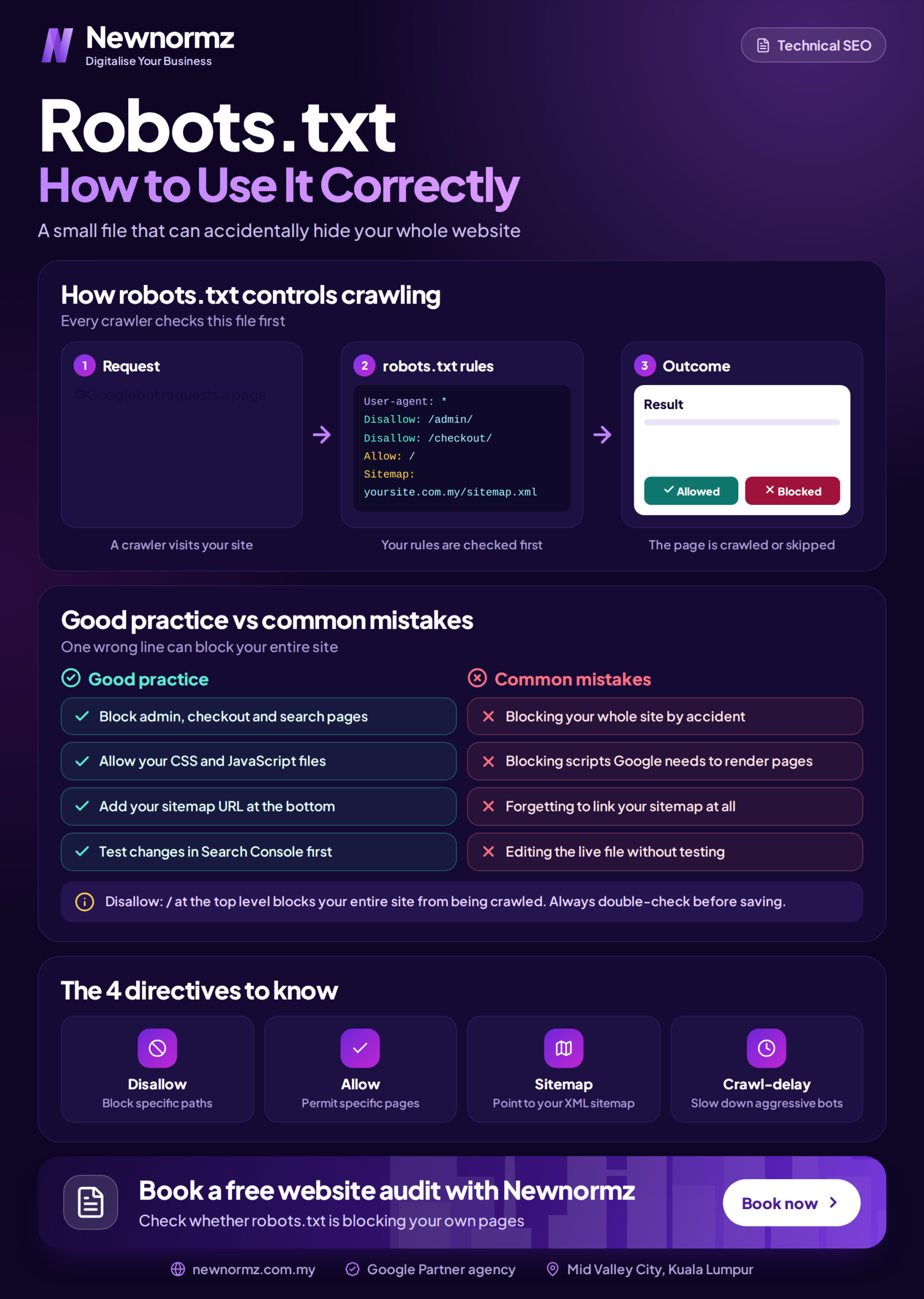
Google processes robots.txt groups from top to bottom and applies the first, most specific group that matches a given crawler. In practice, almost every site only needs these four directives.
| Directive | What it does |
|---|---|
| User-agent | Names the crawler the following rules apply to. An asterisk (*) matches every crawler. |
| Disallow | Tells the named crawler not to request URLs starting with that path. |
| Allow | Overrides a Disallow to permit one specific path inside an otherwise blocked directory. |
| Sitemap | Points crawlers to your XML sitemap. Must be a full, absolute URL. |
A few rules keep you out of trouble, and they’re laid out in Google’s robots.txt specification. The file must be named exactly robots.txt and saved as plain text. Paths are case-sensitive, so /Admin/ and /admin/ are treated as different folders. Lines starting with # are comments and get ignored. Google also enforces a 500 kibibyte size limit (roughly 0.5MB), though almost no site ever gets close to it.
Crawling vs Indexing: The Distinction That Trips Up Most Sites
This is the mistake that quietly damages the most websites. People assume that adding a page to robots.txt hides it from Google. It does not. Google states plainly that robots.txt “is not a mechanism for keeping a web page out of Google.”
Here’s why. A Disallow rule stops Googlebot from crawling the page’s content, but if another website links to that URL, Google can still index the address and show it in search results, usually as a bare link with no description, because the crawler was never allowed to read the page. You end up with the worst of both worlds: the page still shows up in search, and it looks broken.
The rule of thumb is simple. If you want a page crawled but kept off-limits to bots for load or relevance reasons, use Disallow in robots.txt. If you want a page kept out of Google’s index entirely, use a noindex meta tag or HTTP header on the page itself, and crucially, do not also block that page in robots.txt.
That last part is where people get caught out. If a page is blocked in robots.txt, Googlebot can never crawl it, which means it can never see the noindex tag, which means the page can stay indexed indefinitely. To deindex a page properly, you have to let Google crawl it so it can read the instruction to drop it.
A Robots.txt File That Works
Here’s a clean, correct robots.txt for a typical WordPress business site running in Malaysia. It blocks the admin area, makes one sensible exception, and points to the sitemap.
User-agent: *
Disallow: /wp-admin/
Disallow: /cart/
Allow: /wp-admin/admin-ajax.php
Sitemap: https://example.com.my/sitemap_index.xml
Read line by line: User-agent: * applies every rule below to all crawlers. Disallow: /wp-admin/ stops crawlers wasting time on the WordPress dashboard, which has no business in search results. Disallow: /cart/ keeps the shopping cart and other transactional pages out of crawl paths. Allow: /wp-admin/admin-ajax.php makes one exception inside that blocked folder, because the file is needed for parts of the site to load correctly. Sitemap: points crawlers to a direct map of your important URLs using a full absolute address.
The One Line That Can Take Down Your Whole Site
Now the line that can wreck a site in one edit:
User-agent: *
Disallow: /
That trailing slash means “the entire site.” It’s catastrophic because it blocks Google from crawling every page you own. Over time your pages drop out of search, organic traffic collapses, and enquiries dry up. This exact line is often left over from a staging or development environment, where blocking crawlers is the correct setting, and then it gets pushed live by accident during a launch. If you take one thing from this article, make it this: after any new site goes live, check that your production robots.txt does not contain Disallow: /.
Costly Mistakes to Avoid
| Mistake | Why it hurts |
|---|---|
| Blocking the whole site with Disallow: / | Usually a leftover from staging. It deindexes everything over time. |
| Using robots.txt to hide a page | Blocked pages can still be indexed if linked elsewhere. Use noindex instead. |
| Blocking a page you also want deindexed | Googlebot can never see the noindex tag on a page it isn’t allowed to crawl. |
| Blocking CSS and JavaScript | Google needs these to render and understand your pages properly. |
| Assuming it protects private data | Robots.txt is public. Listing a “secret” folder in it just advertises where it is. |
Robots.txt and Your Sitemap
Robots.txt and your XML sitemap are two halves of the same job: helping search engines crawl your site efficiently. Robots.txt says what not to crawl. The sitemap says which URLs you most want found. Adding a Sitemap: line to robots.txt is a simple, reliable way to make sure crawlers discover that list, on top of submitting it directly in Google Search Console.
The two files need to agree with each other. Never list a URL in your sitemap that you also block in robots.txt, since that sends crawlers a contradictory signal. Keep your sitemap limited to clean, indexable pages (a single sitemap can hold up to 50,000 URLs and must stay under 50MB), and keep robots.txt limited to genuinely low-value paths. This matters even more for local SEO, where a small business site often has only a handful of pages worth ranking and can’t afford to have any of them accidentally blocked.
The Robots.txt Checklist
- Your file sits at yoursite.com/robots.txt and is named exactly robots.txt.
- It does not contain Disallow: / on your live site.
- It does not block CSS, JavaScript, or pages you want ranked.
- Pages you want deindexed use noindex, and are not also blocked here.
- It references your sitemap with a full, absolute URL.
- Nothing in it contradicts what’s listed in your sitemap.
If you’re not sure your file passes all six, it’s worth having someone check it as part of a broader technical review. It’s one small piece of a wider SEO service, but it’s the kind of piece that can undo everything else if it’s wrong.
What is a robots.txt file used for?
It tells search engine crawlers which URLs on your site they may and may not request. It manages crawl traffic so bots don’t waste time on low-value pages like admin areas. It controls crawling, not whether a page appears in search results.
Does robots.txt remove a page from Google?
No. Google states that robots.txt is not a mechanism for keeping a page out of its index. A blocked page can still be indexed if other sites link to it, often shown as a bare link with no description. To keep a page out of Google, use a noindex tag instead.
Where should the robots.txt file be located?
At the root of your domain, always at yoursite.com/robots.txt. It cannot sit in a subfolder, there can only be one per site, and it must be named exactly robots.txt in plain text. Anywhere else, and crawlers won’t find or apply it.
What’s the difference between Disallow and noindex?
Disallow, in robots.txt, stops crawlers from fetching a page but doesn’t guarantee it stays out of search. Noindex, a meta tag or HTTP header on the page itself, tells Google to drop it from the index. For deindexing, use noindex and don’t block the page in robots.txt, or Google can never read the instruction.
Do I need a robots.txt file at all?
Most sites benefit from one, but a small site with nothing to block can run fine without it, in which case crawlers assume they may access everything. The value comes from steering bots away from low-value paths and pointing them to your sitemap.
Not sure what your robots.txt is actually blocking?
Find Out If a Crawl Directive Is Quietly Costing You Rankings
Newnormz has run SEO campaigns across F&B, healthcare, ecommerce, and local services in Malaysia, backed by a performance guarantee of 70 percent of targeted keywords on Google’s first page.
30 minutes, no obligation, and you’ll know exactly what’s blocking or leaking your rankings.

Bryan Tan is an SEO Specialist and CEO at Newnormz, helping hundreds of businesses achieve first-page rankings on Google. With a passion for driving organic growth, Bryan blends innovative strategies with hands-on experience to optimize websites for maximum visibility. Always at the forefront of the latest SEO insights and trends, he consistently adapts to the evolving digital landscape.